

Using an E-Reader for Homeschool
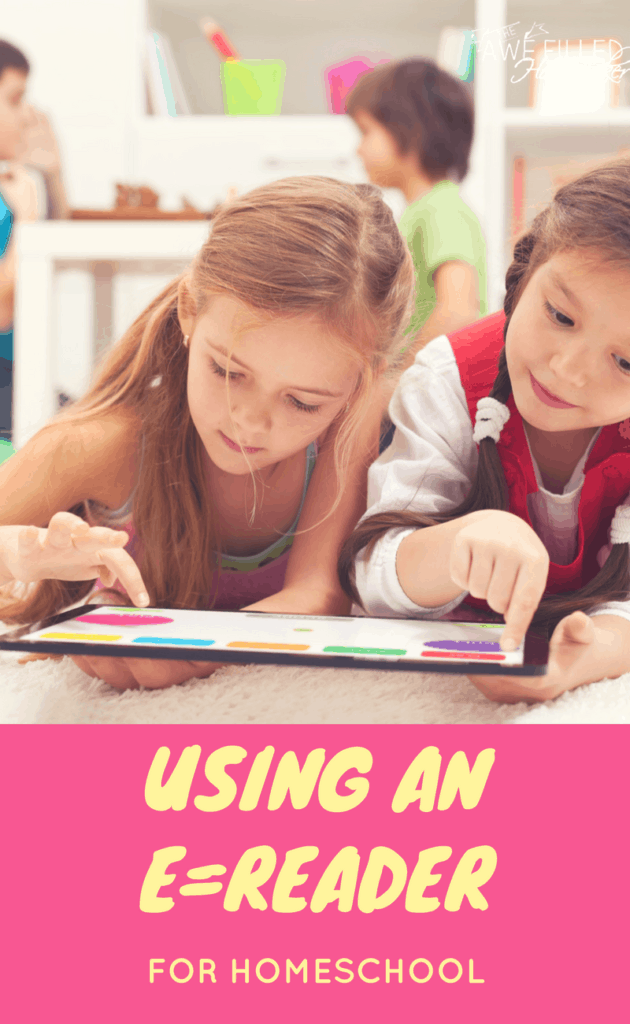
In today’s technology driven world, kids are growing up with a world of resources at their fingertips. They can swipe and click their way to not only fun and entertainment, but also to education. Homeschoolers are not the exception.
While some homeschoolers do shy away from the use of electronics, others have elected to put technology to good use. Regardless which side of the fence you find yourself, I think it’s always wise to know your options.
Let’s talk about all the ways that using an e-Reader for homeschool can be a great idea.
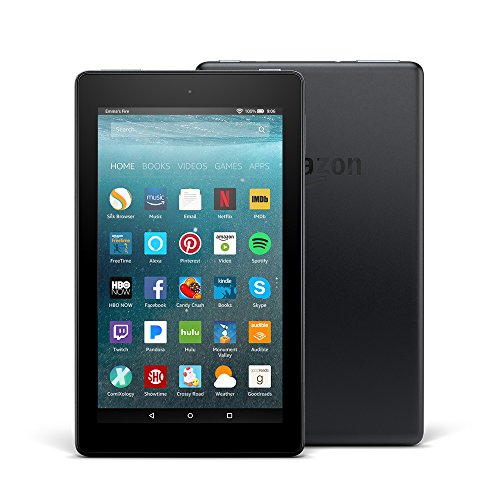
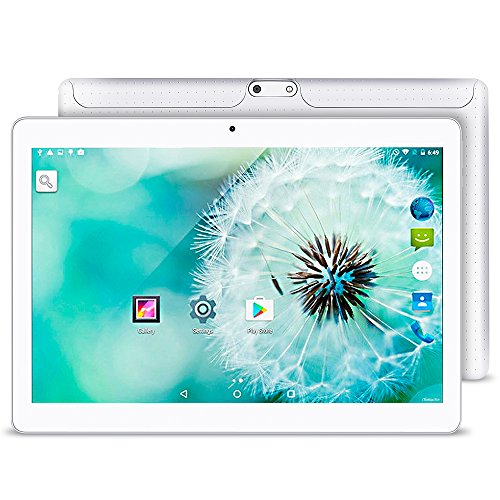
Fire 7 Tablet with Alexa, 7 10.1 inch Android 5.1 Tablet Dual SIM Card Cell phone Tablet PC 2G/ 3G/ Wifi 1GB+16GB MTK 6580 Quad-Core IPS 800×1280 Touch Screen With Bluetooth 4.0
Benefits of Using an e-Reader for Homeschool
Save Time
Bookstores and libraries are just a few of our happy places. However, I think it’s a fair assumption that most (if not all) of us appreciate having convenient options available.
If, for some reason, you don’t feel like making a trip to one of these places to grab a book (or can’t), it is great to know that you can hop on your trusty e-Reader, order your book and begin reading it immediately. Personally, we like the Kindle and use it often.
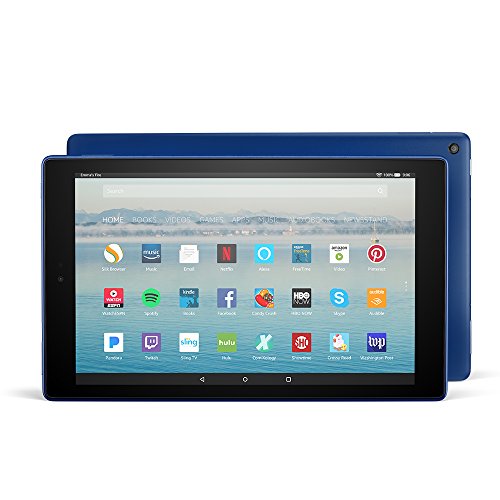
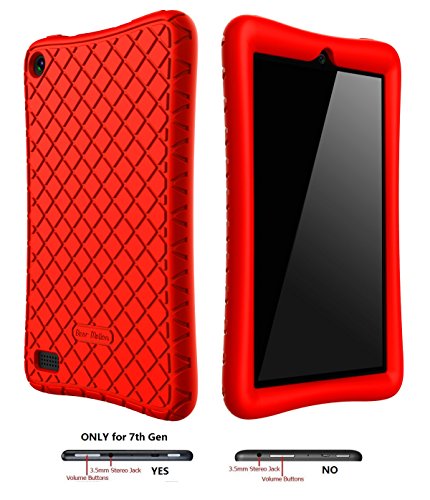
All-New Fire HD 10 Tablet with Alexa Hands-Free, 10.1Bear Motion Case for All-New Fire 7 Tablet with Alexa – Anti Slip Shockproof Light Weight Kids Friendly Protective Case for Amazon Kindle Fire 7 2017 (ONLY for 7th Generation 2017 Model) (Red)
Tiny Mobile Libraries
Isn’t it crazy to think that we can all walk around with little libraries in our purses and bags? Not just one or two books, but hundreds! Imagine being able to go into your bag and pull out ALL your favorite books no matter where you are.
Your kids can read at home, in the car, or anywhere else your family may travel. Everything from the classics to textbooks can be accessed on the go. Pretty cool, huh?!
Just about any book that is in your child’s homeschool curriculum can be bought in digital version and read on your e-Reader. As an added bonus, some of these books can be found for free!
Borrow Books
If you prefer borrowing books, there are several options available to Kindle owners. Many libraries have systems that allow library patrons to borrow digital books for a period of time.
There are also websites like BookLending.com that allow you to borrow books from people all over the world. Also, for an affordable monthly fee, you can get a subscription to Kindle Unlimited, which enables you to borrow from thousands of great titles.
Once your books are due, they simply disappear from your Kindle. Gone are the days of remembering to return a book and late fees!
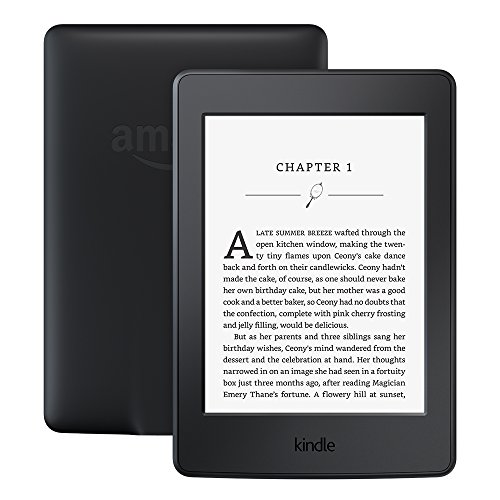
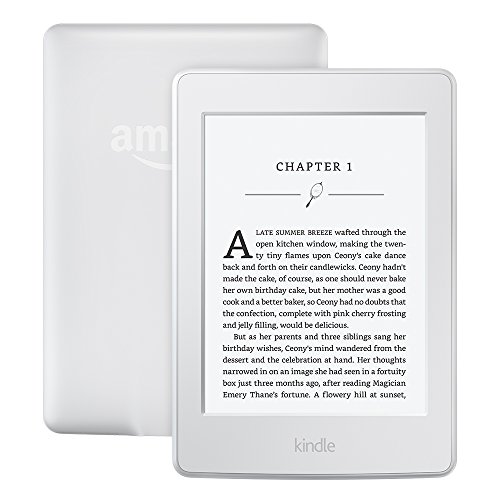
Kindle Paperwhite E-reader – Black, 6Kindle Paperwhite E-reader – White, 6
Save Money
If you like buying copies of books to keep permanently, but you also love saving money, an e-Reader is a great choice! You can easily purchase digital copies from an extensive catalog. In fact, e-Readers are so popular that most book publishers will release print and digital versions of their books.
The best part, however, is that the digital copies are usually significantly cheaper than the print version. That’s because the authors don’t have to pay any overhead to have the books printed, so they don’t have to charge as much to gain a profit.
In fact, many authors ONLY offer digital copies (e-Books) because of the publishing cost savings. You no longer have to stalk your mail carrier waiting for your book to arrive. You just head to the library on your e-Reader and dive right in!
Curious about what kinds of book deals you can get? Check out Cheap Reads for Kindle. They currently have over 11,000 free classics available!
Another way that e-Readers help you save money is that they are digital. E-books can’t be ripped or torn, can’t drop it in the water, can’t tear the spine, spill food or liquid on it, or even lose it.
So there’s no need to replace it (or pay the library for damages). Of course, you could do all of that to your e-Reader, but you’re not going to, right?! We’re usually much more careful with electronics than we are with books.
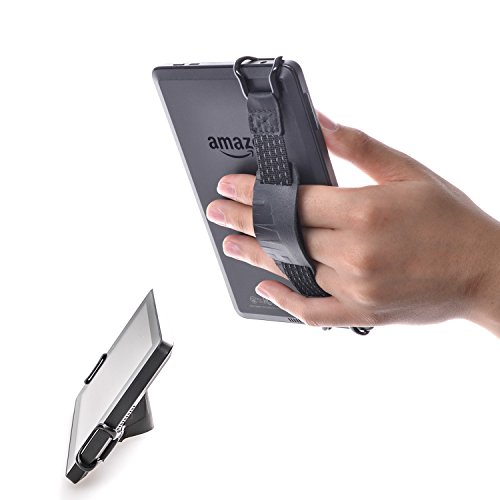
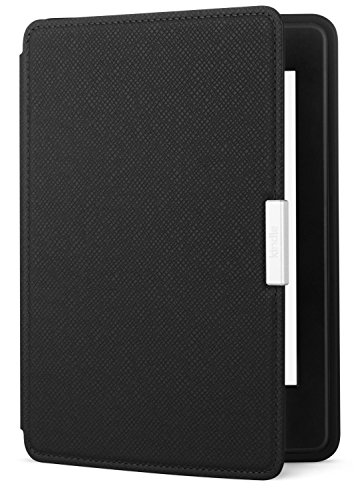
TFY Security Hand Strap with Leather Belt Holder Stand for Kindle Voyage, 6Amazon Kindle Paperwhite Leather Case, Onyx Black – fits all Paperwhite generations
Less Physical Clutter
While all book lovers secretly wish they had a library that would put the mega libraries to shame, we don’t live in a castle and definitely don’t have the space for it.
On a side note, if you do have space for it, I’m jealous and we should be best friends! If you’re like me and space is limited, once we’ve run out of room on our bookshelves (and run out of space for more bookshelves), it’s nice to know that we don’t have to stop buying new books.
They’re also a lot easier to organize. You don’t have to remove the books from the shelves and painstakingly categorize them because your e-Reader allows you to sort them by most recently bought, by author (my preference), and by title.
Improve Vocabulary
If your kids have trouble understanding some words while reading, your e-Reader just might be able to help. For example, the Kindle line comes equipped with built-in dictionaries. Simply press and hold any word in an e-Book and your child should be able to access the dictionary definition of the word.
Preschool Learning Kids Games Lite for Toddler, Kindergarten and 1st Grade Girls and Boys: Tracing, Spelling, Reading, Letter Sounds (Names), Phonics, First Words, Shapes, Colors, Pumpkin Puzzles, Memory Games & Coloring Book by Abby Monkey® LITEPreschool Learning Games for Toddlers, Kindergarten Kids and 1st Grade Girls and Boys: Tracing, Spelling, Reading, Letter Sounds and Names, Phonics, First Words, Shapes, Colors, Pumpkin Puzzles, Memory Games & Coloring Book by Abby Monkey®
Watch Videos
If your kids enjoy watching educational programming on Youtube, Netflix, or web-based curricula, the Kindle Fire can likely accommodate their needs. With HD video capability, you can rest assured that the quality will be clear, not blurry.
Listen to Audio
If you prefer listening to audiobooks, this is another feature available with e-Readers. Audible books are available through Amazon, your favorite bookseller, or your favorite website or app, you can listen in on your device.
There is also a feature available on Kindle Fire called WhisperSync that allows you to read along with audio files. This is a great benefit for kids who might be struggling with reading. Best yet, you don’t have to worry about losing your place.
If your kids (or the whole family) are listening to an audiobook (or reading an e-Book), they can easily take a break and then pick back up where they left off, even if they closed out of the book to do something else on the device.
Browse the Web
If your kids need to do a fair amount of research, the Silk Browser is pretty powerful and easy to use. They can gain access to blogs, tutorials, and more.
They can also use their e-Readers to access most online homeschool curricula and educational programs. If you’re on a tight budget and can’t afford a tablet, a laptop, or a desktop, an e-Reader can be a very cost-effective alternative.
If you’re worried about your child doing things online that they shouldn’t, rest assured that many e-Readers (such as the Kindle) come with parental controls that make it easy for you to manage how much time they can spend online and what type of activities they can engage in.
Check out this article by Net Nanny for a breakdown on all of the free parental control options available on Kindle. You can also pay $2.99 per month for Kindle Free Time Unlimited, which gives your kids access to 13,000 kid-friendly books, apps, games and videos.
This also comes with great parental control options that help ensure your kids are only seeing content you would approve of. We personally protect our family online with circle from Disney now.
Kids Learn to ReadPeekaboo Kids – Free Games for Kids 1,2,3 years old
Download Apps and Games
On top of reading and web browsing, you can also download a variety of fun and educational apps/games for your kids to use. Many of the same games and apps that are available through the iPad and Tablet are also available on the Kindle.
Curious about what kind of apps you can download? Check out this list of 80 Free Educational Apps for Kindle Fire
Share Everything
Last, but not least, if you buy something from Amazon for one Kindle, it is available on all Kindle devices registered to that account. No need to buy multiple copies for the whole family!
Does your family use an eReader for homeschool? If so, let me know your favorite things to do in the comments below.


